
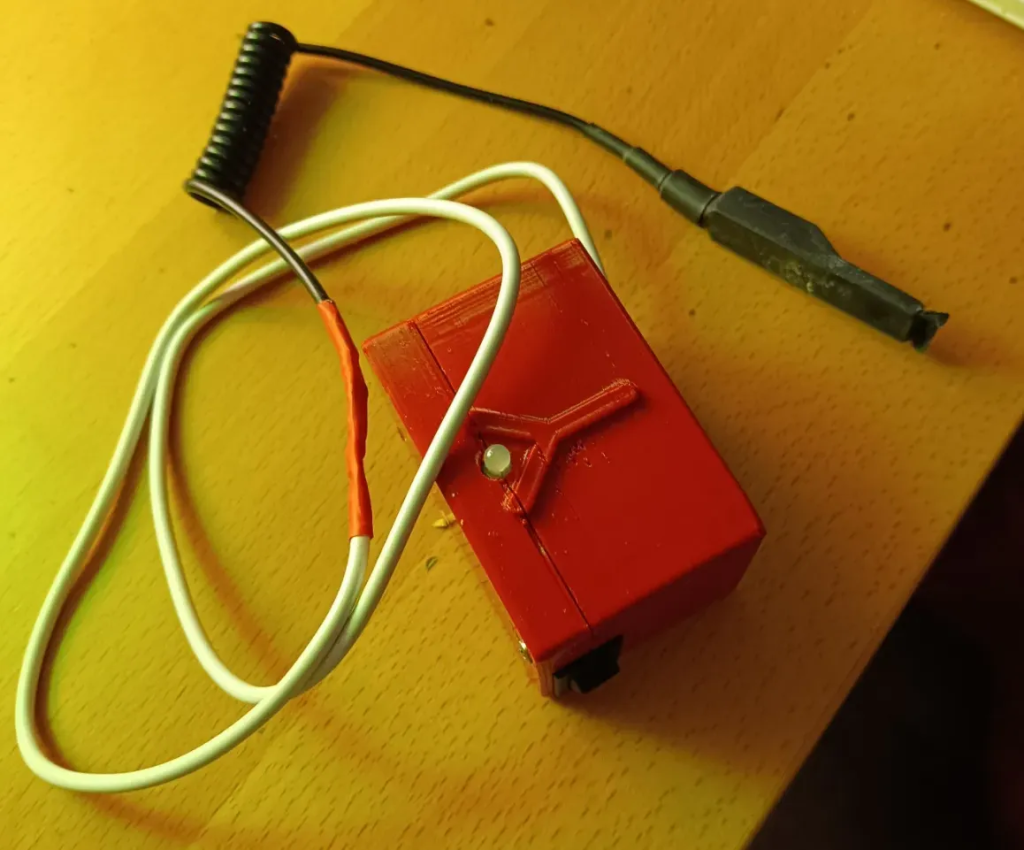
A modified device from the multisensory educational system VoiceToys, used as a wireless mouse clicker operated by biting instead of using the hand.
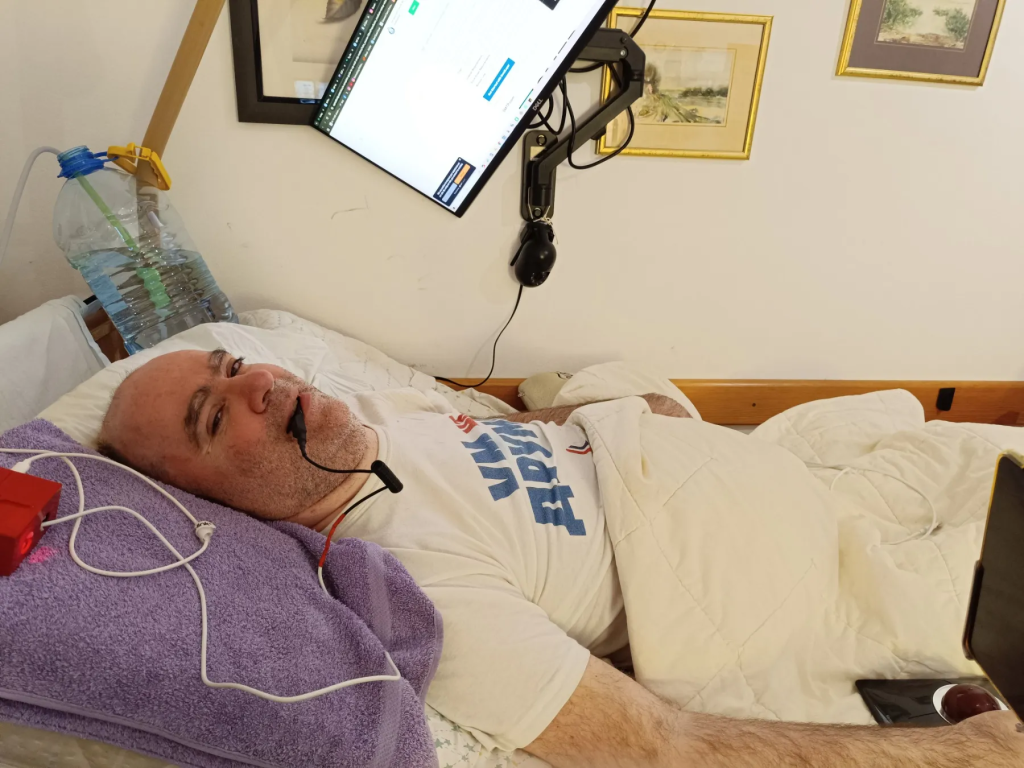
Alongside the trackball I’ve been using for years, I’ve recently added a device to my fleet of peripherals that allows me to click with my teeth instead of my hand.
This method of clicking significantly speeds up my workflow and relieves stress from the wrist and hand, which tend to get tired quickly.
When working in demanding applications—especially 3D drawing, modeling, or entering large amounts of text—this device has drastically increased my productivity. I also use it while lying down, when clicking with my hand becomes even more difficult.
I got used to using it within minutes, and now everything feels intuitive.
For someone without finger or hand movement, it’s a huge relief to just rotate the trackball independently, without needing to also click by hand.
How does It work?
- One bite – single click
- Two bites – double click
- Three bites – “Select all”
- One long bite – right click
Technical Details:
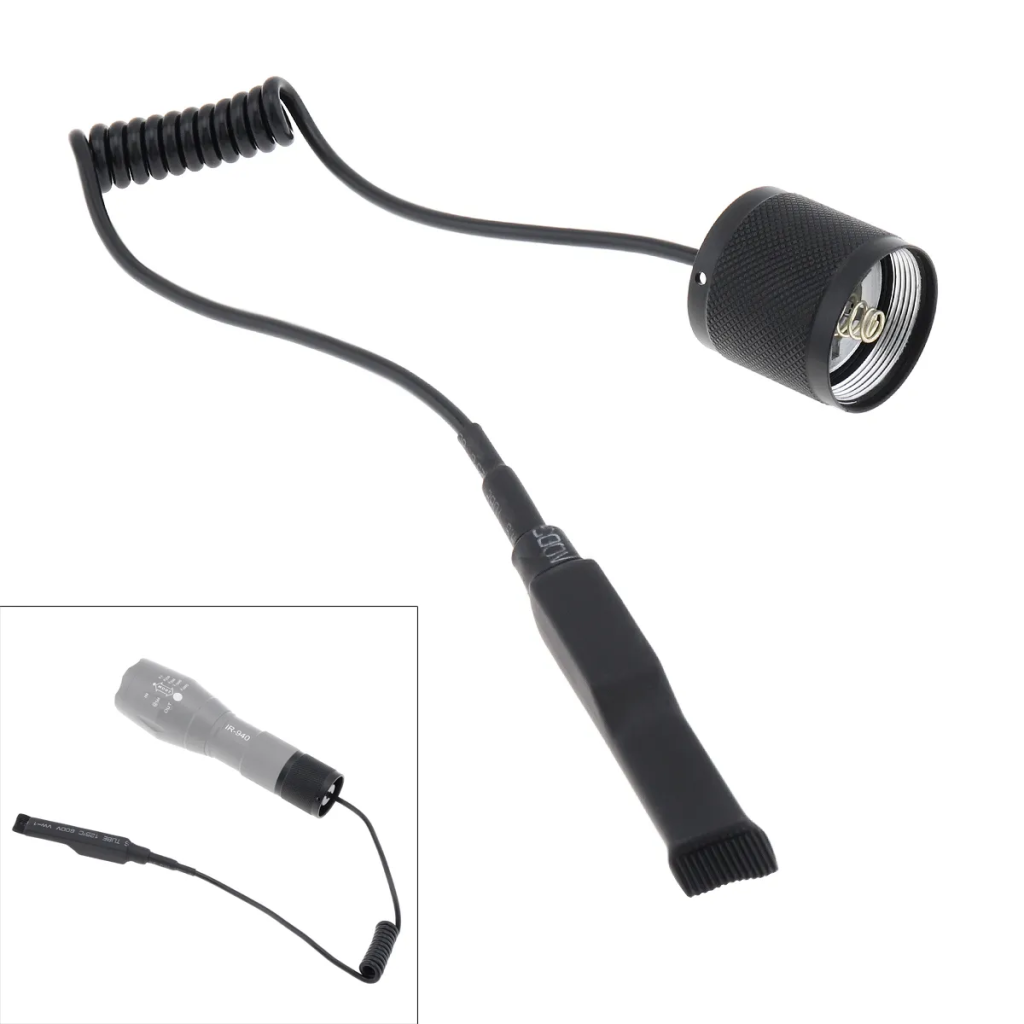
The button used for biting is a tactical switch typically designed for flashlight control, usually mounted on a rifle.
This switch is essentially the core component that makes the device possible. It’s waterproof, so biting won’t damage it, and it’s easy to clean and maintain.
It also has an LED indicator that visually lets me know the device is on and operational. When the battery drops below 15%, the green light turns red, indicating it’s time to recharge. If the device isn’t used for 5 minutes, it automatically goes into sleep mode to save battery life.
One full charge provides about 25 hours of operation.
The device is based on an ESP32 microcontroller, connected to the computer via Bluetooth and powered by a rechargeable battery. It charges using a standard phone charger.
The casing is 3D-printed using PETG material.
Advantages Compared to Hand Clicking:
- Reduces fatigue – No strain on wrist or fingers during extended use
- Comfortable even while lying down – No need for tiring hand movements
- Affordable alternative – For people with limited hand mobility, this can be a game-changer
There are similar devices on the market—some are attached to eyeglass frames and allow mouse movement through head gestures, while clicks are done by biting. Others are mounted on caps and have similar features.
However, the prices of such devices often reach four-digit amounts in currency. The technology itself is not expensive and has been around for years, but the final products are often outrageously overpriced.
With a bit of internet research, it’s entirely possible to create an excellent device and avoid paying vultures profiting off people’s struggles.
No one can convince me that such high prices are justified—especially considering that 95% of people with disabilities cannot afford many things, even though a device like this would be of great help to them.
In my opinion, the practice of charging unrealistic prices only drives people away. Devices should be affordable so that everyone who needs them can actually use them.
Gratitude
Special thanks to my friend Dragoljub Marković (VoiceToys), who created this device and proved that high-quality solutions don’t have to cost a fortune.

Be First to Comment