
Trackballs and adaptation – my personal journey with quadriplegia
It was the year 1995. when I returned home from rehabilitation. The very first thing we did was buy a computer. That moment brought me immense joy.
From the very first days of using a computer — which now feels like ancient history — the first device that didn’t suit me was the mouse.
Due to my spinal cord injury (in the cervical area), I can’t use my hands or fingers. A standard mouse was impractical, slow, and exhausting.
Luckily, I discovered something called a trackball.
From the moment I started using it, working on the computer became a pleasure.
I could say this was my first real need to adapt a daily tool to suit my body. The challenge was finding a solution that would allow me to use the computer independently.
A Short history
Over the course of my 30+ years using computers, I’ve used several trackballs.
Yes — trackballs! And I fondly remember every one of them.
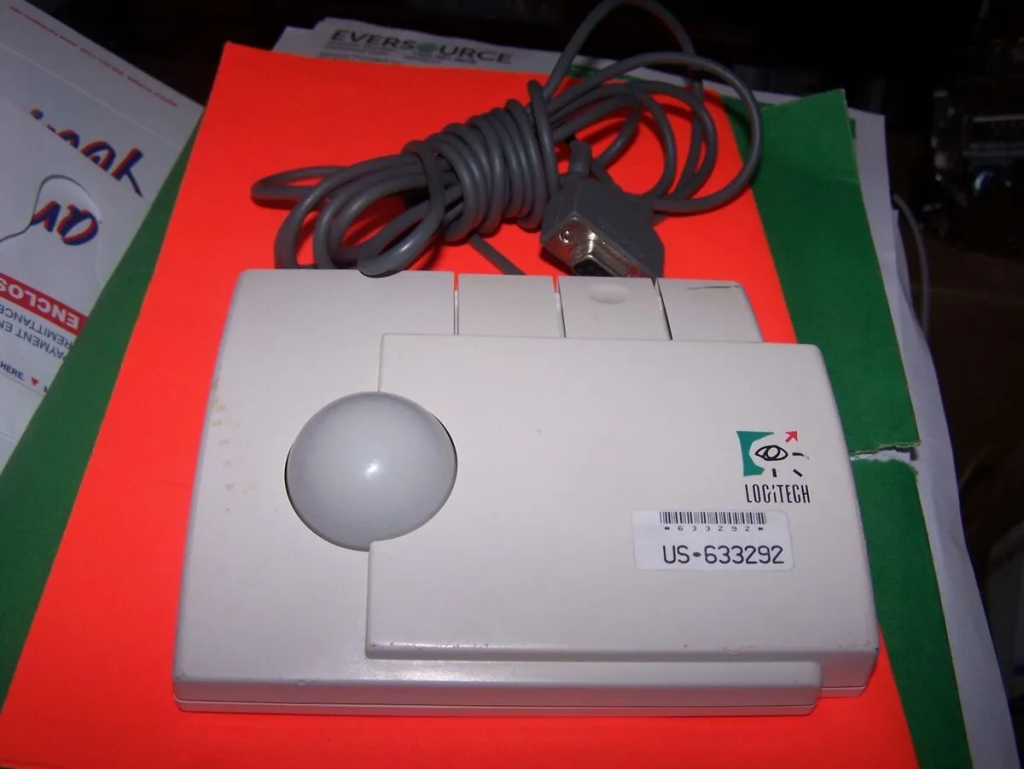
The first trackball I had was the Logitech Trackman.
I can’t count the hours, days, or weeks I spent playing Doom, Quake, and Command & Conquer with it. Ah, youthful recklessness.
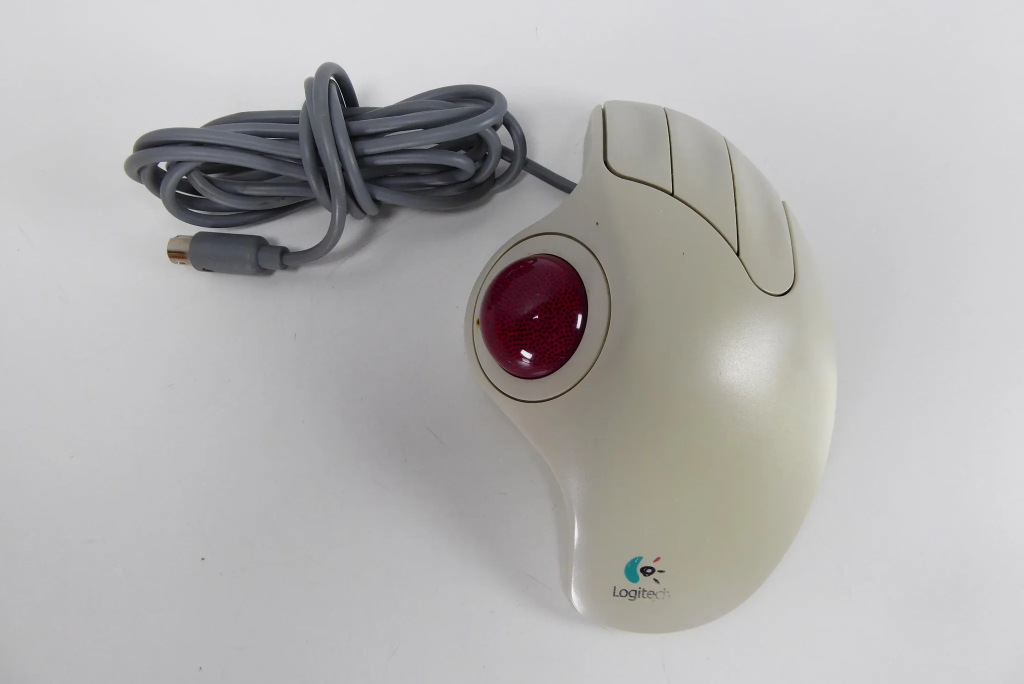
Years later, I switched to the Logitech Trackman Marble, which I used for around 15 years.
When it eventually broke, I got the same model again — just with a scroll wheel instead of a middle button — and I still use it today.
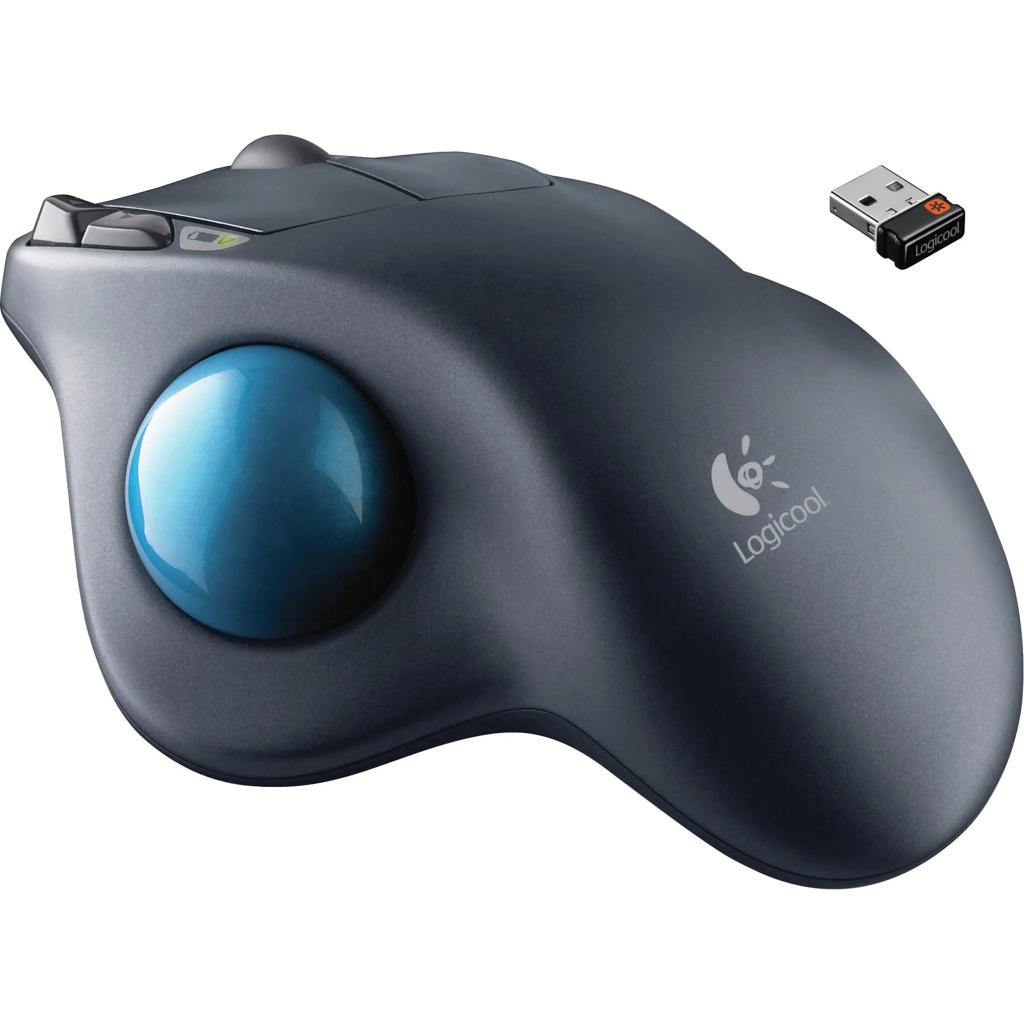
I also tried the Logitech M570 Wireless Trackball, but it didn’t work for me. The raised ridge above the ball prevented the base of my thumb from resting naturally, and the overall shape didn’t suit the contour of my hand. I realized I needed a low-profile trackball.
Different devices for different situations
Of course, everyone finds their own method and workflow.
Disability, in practice, changes everything. The unimaginable becomes routine.
Let me share mine.
Disability in practice: two work modes
I work in two positions — sitting and lying down — and I’ve adapted both to be as functional and comfortable as possible.
This wasn’t easy. It required deeply analyzing every detail of my condition and turning limitations into tools for independence.
What’s effortless for a walking person can be a mountain for someone in a wheelchair.
Skipping two stairs means nothing to most — for us, that’s Mount Everest.
When sitting
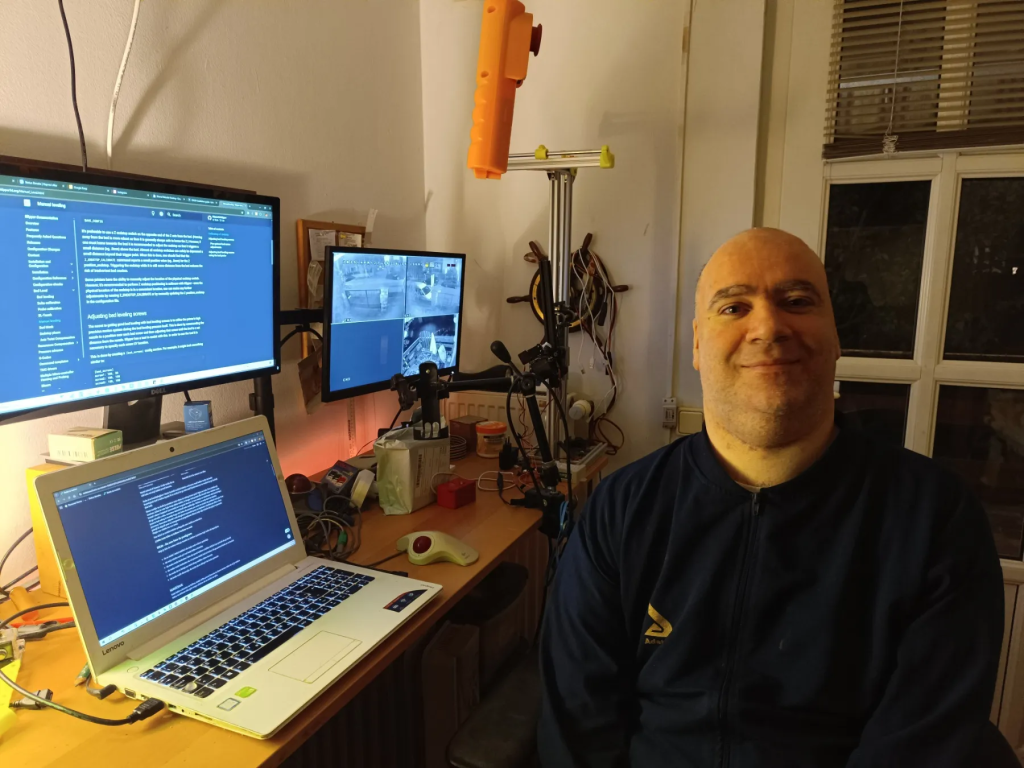
When I’m sitting, my laptop is in front of me with a second monitor behind it for extra screen space.
To the right is another monitor for video surveillance — street view, gate, and yard. I can switch computer display to that screen as needed.
Next to my laptop sits my trusty trackball.
I also have a cup holder for coffee or juice with a straw, so I don’t need help every time I want a drink.
Nothing fancy — just practical.
When lying down
This setup is more complex. I work in two lying positions: on my back, and on my left side.
Lying on my back
I use a modified microphone stand as a phone holder, which keeps my phone next to the bed, always within reach — even at night.
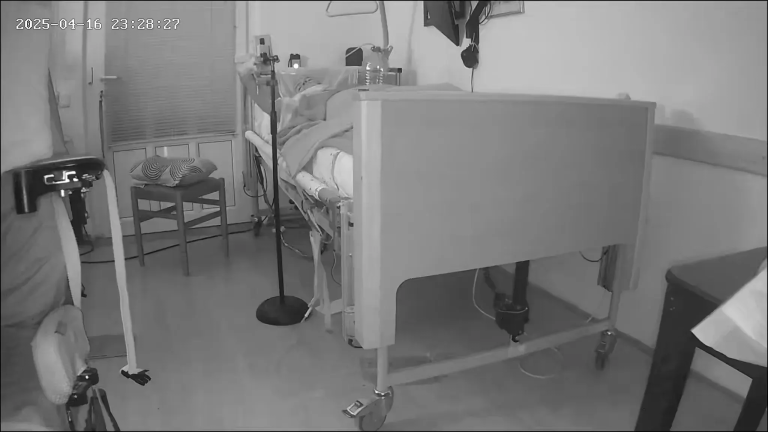
I rely on apps like Google Keep (do you love it as much as I do?) to jot down ideas that pop up during the night.
I also use smart home apps to control lights, gates, and doors — all via voice commands or a tap.
The system works beautifully.
Lying on my left side
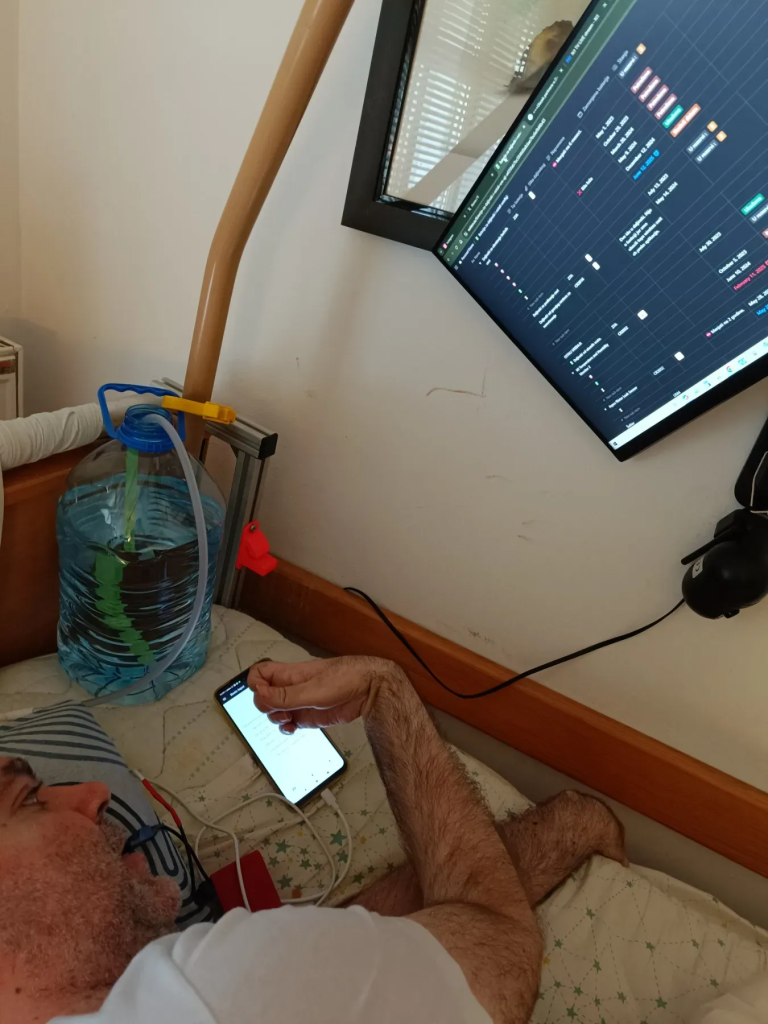
Here, the setup changes. I use the phone screen as a touchpad instead of a trackball. A wall-mounted monitor can be rotated to various angles.
For example, at a 45° tilt, I can work naturally without straining my neck.
In the photo, you might notice I’m holding a custom-made bite-click switch in my mouth to click — saving my hand from extra fatigue. More about that in a separate article.
3D Modeling at Night
I sleep on my back — and that sparked a big idea:
How can I do 3D modeling while lying down?
Precision and endless clicking are essential in 3D programs.
But with quadriplegia, I have almost no fine finger movement, and my wrist tires easily.
This is something no one can figure out for you. You must design your own solution.
Nighttime is perfect for work — peaceful, quiet, no distractions.
I love staying up to watch the sunrise.
Though I can’t sit by the Danube at 5 AM and breathe in the fresh air, I still cherish those moments in my own way.

The device that changed everything: Kensington SlimBlade
After lots of searching, I found the Kensington SlimBlade.
It has a large ball and four big buttons. Its low-profile design made it ideal — I could operate the ball using the base of my thumb and click using the side of my hand.
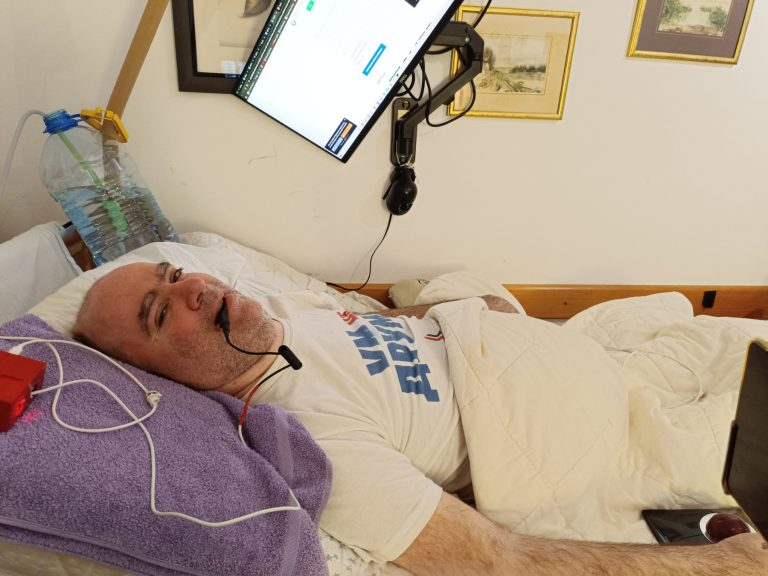
When lying on my back, with arms resting along my body, the right spot for the trackball is near my hip.
I can control it comfortably from that position.
Only issue? Price. It’s one of the most expensive models, and I wasn’t sure it would suit me.
Also, it’s not great for working at a desk.
I had to order it from the U.S., as it wasn’t available in Serbia — and international orders always cost double.
But I’m used to that kind of battle.
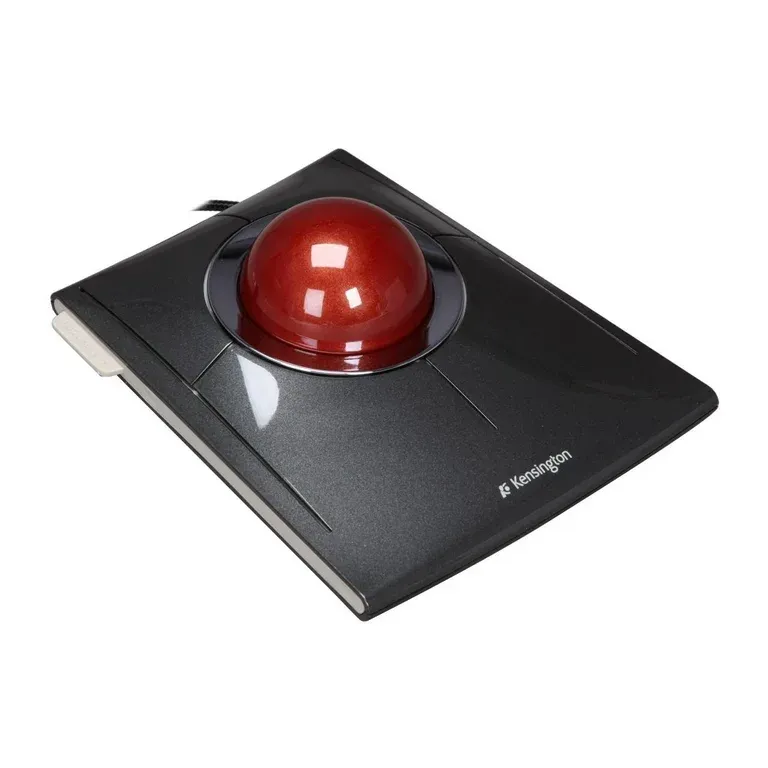
For lying-down 3D work, the SlimBlade is great – big buttons, huge ball, and precise control.
It even comes with software to custom-map the buttons, which helps a lot. I’ve assigned alternate functions that suit me better.
Sometimes I joke that it feels like this device was designed just for my hands.
I can work comfortably even during winter — fully covered, hands under the blanket, trackball by my hip.
Clicking – and the bite-switch solution
Because 3D work involves endless clicking, I needed to reduce hand strain.
So I built a solution:
A bite-click device – I grip it with my teeth to simulate a mouse click.
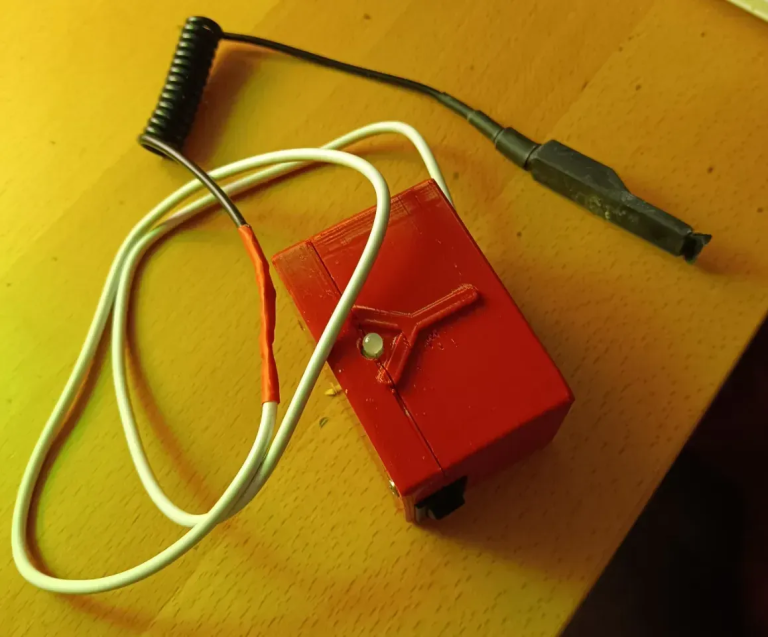
This lets me spin the trackball with my hand, but click using my mouth, reducing fatigue and increasing speed.
⌨️ Macro keyboards and typing fatigue
Lately, I’ve been working on projects involving coding and large text input.
Typing can be exhausting when your hands aren’t fully functional.
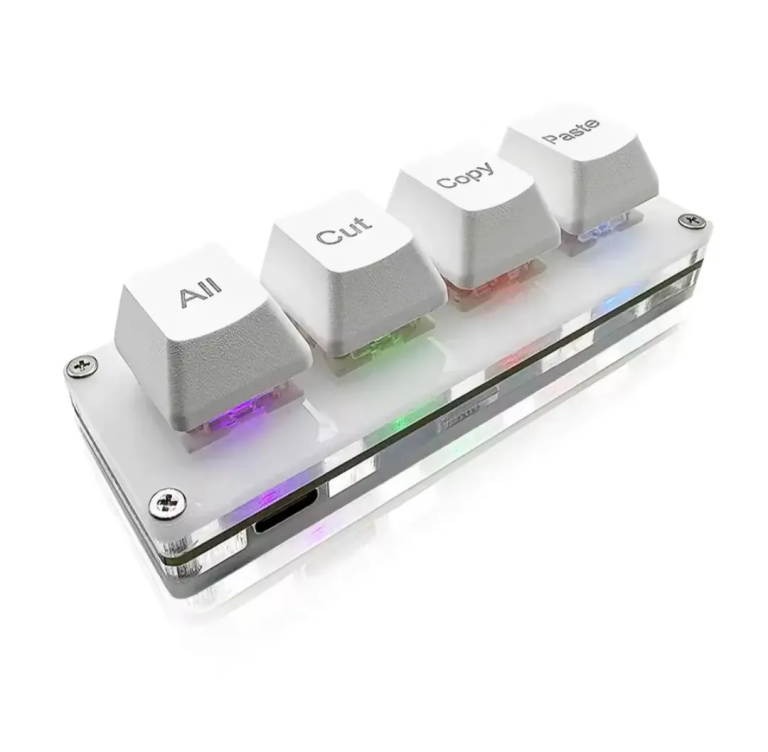
A macro keyboard has helped me immensely.
It sits next to my trackball, within reach.
I can assign one button to actions like copy or paste, instead of pressing Ctrl+C or Ctrl+V with both hands — a major energy saver.
Sometimes, I also use an on-screen keyboard.
Final thought: adaptation doesn’t have to be expensive
Adaptation doesn’t have to be expensive or complicated – but it does have to be personal.
Any solution that lets you do more than you did yesterday is worth the effort.
I’d love to hear how others have solved similar challenges. Let’s share ideas and move forward together.

Dragi Đole, dear George,
you are an utter genius! To read and consume the imagery of your detailed reports and descriptions of how you improve your situation and increase your productivity is nothing but stunning! You are such an inspiration to almost everybody, whether handicapped or not! If you can get a head around a oroblem and get it done, then regular people should nkt complain so much and instead follow your example.
I am absolutely amazed! And I feel ashamed that I simply didn’t have the time to check out your website for two weeks until you informed me about it mid-June…
I am so proud of you!!!! You are a true genius and survival artist! And we simply HAVE, HAVE, HAVE to find a way to make your endeavours economically profitable at last…!
Твоj брат Марко из даљине…
Thank you Marco for your kind words.